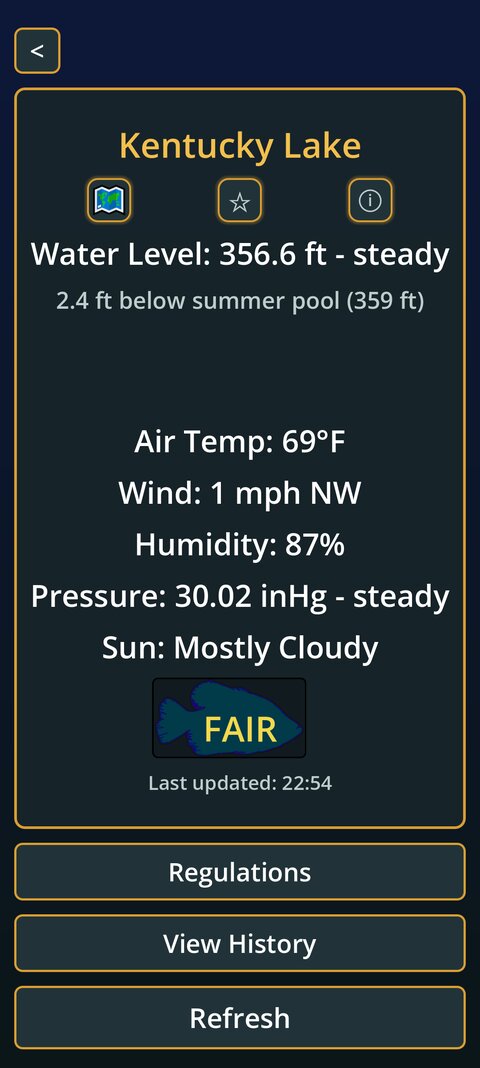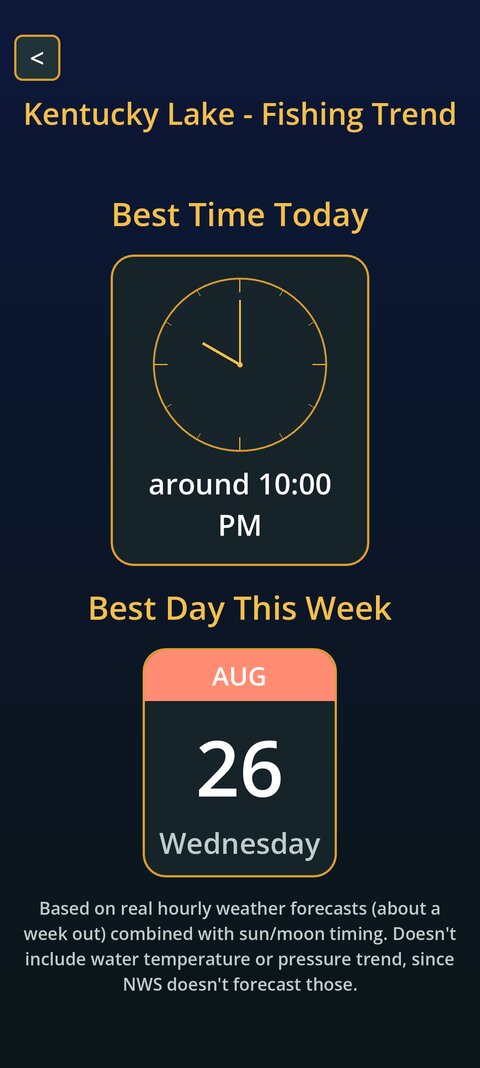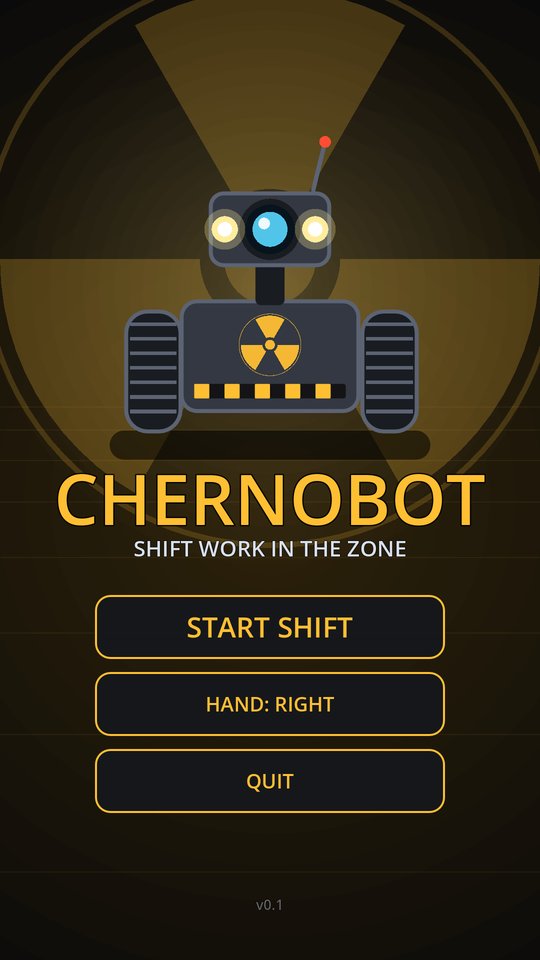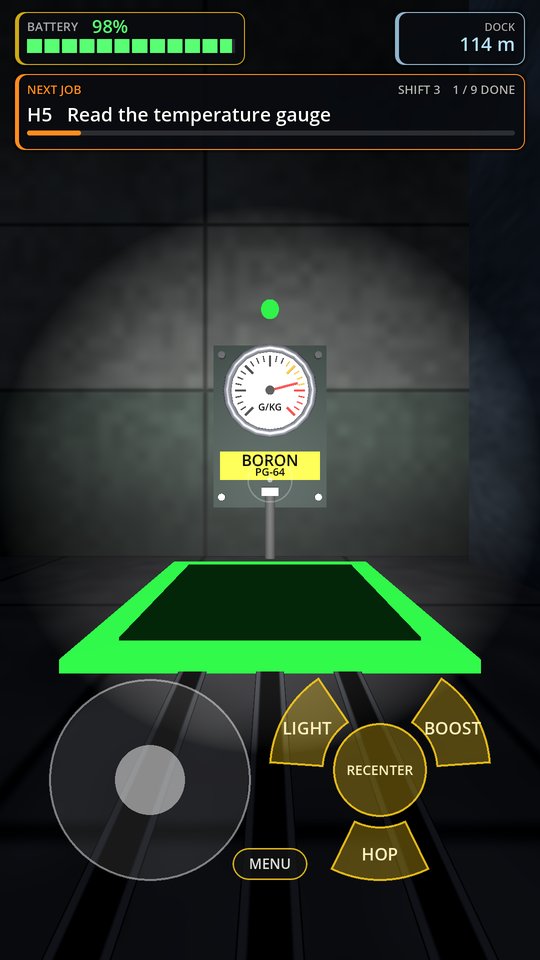
SoupFork Studios mascot: a chrome fork-headed figure with a beard and sunglasses, arms crossed beside a steaming bowl of soup
Now serving

SoupForkStudios

Homemade apps out of Morgantown, Kentucky.

Cooking
Follow us on Facebook
Questions

FAQ

If I'm a tester, do I get the app for free?

Google expects you to pay the full price for any app you test. However, I disagree. You can request a promo code by emailing Codes@SoupForkStudios.com.

How do I try an app that's still in testing?

Tap its "Join Open Testing" link, then tap "Become a tester" on the Google Play page that opens. No sign-up or group to join, it's open to any Google account.

I tapped "Become a tester." Now what?

If you requested a promo code: don't pay, redeem your code first (see next question), then install.
If you're paying for the app: Google Play will give you a link to install it.
Either way: it can take a few minutes after opting-in before the link/code works, so give it a moment and try again if it doesn't work the first time.

How do I redeem a promo code?

First tap the "Join Open Testing" link for that app and opt-in, same as anyone else, just don't pay. Wait for your promo code, then:
Open the Google Play Store app.
Tap your profile icon.
Go to Payments & subscriptions.
Tap Redeem code.
Enter the code we emailed you.
Finally, you should see a notification along the bottom of your screen with an option to install the app for free!

Do I need to opt-in separately for each app?

Yes, opting-in is per app. Tap "Join Open Testing" on each one you want to try, whether or not you're using a promo code.